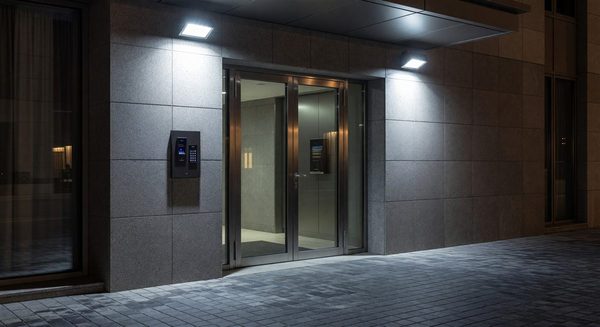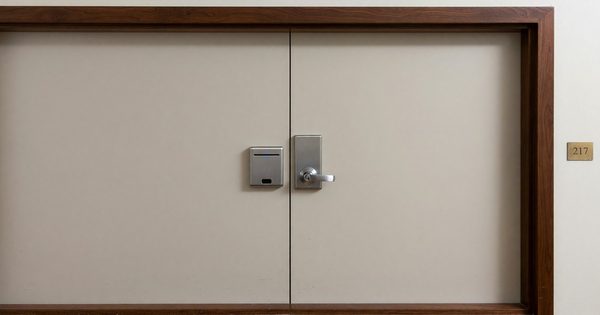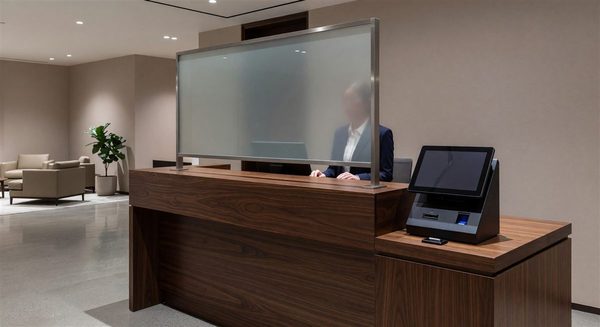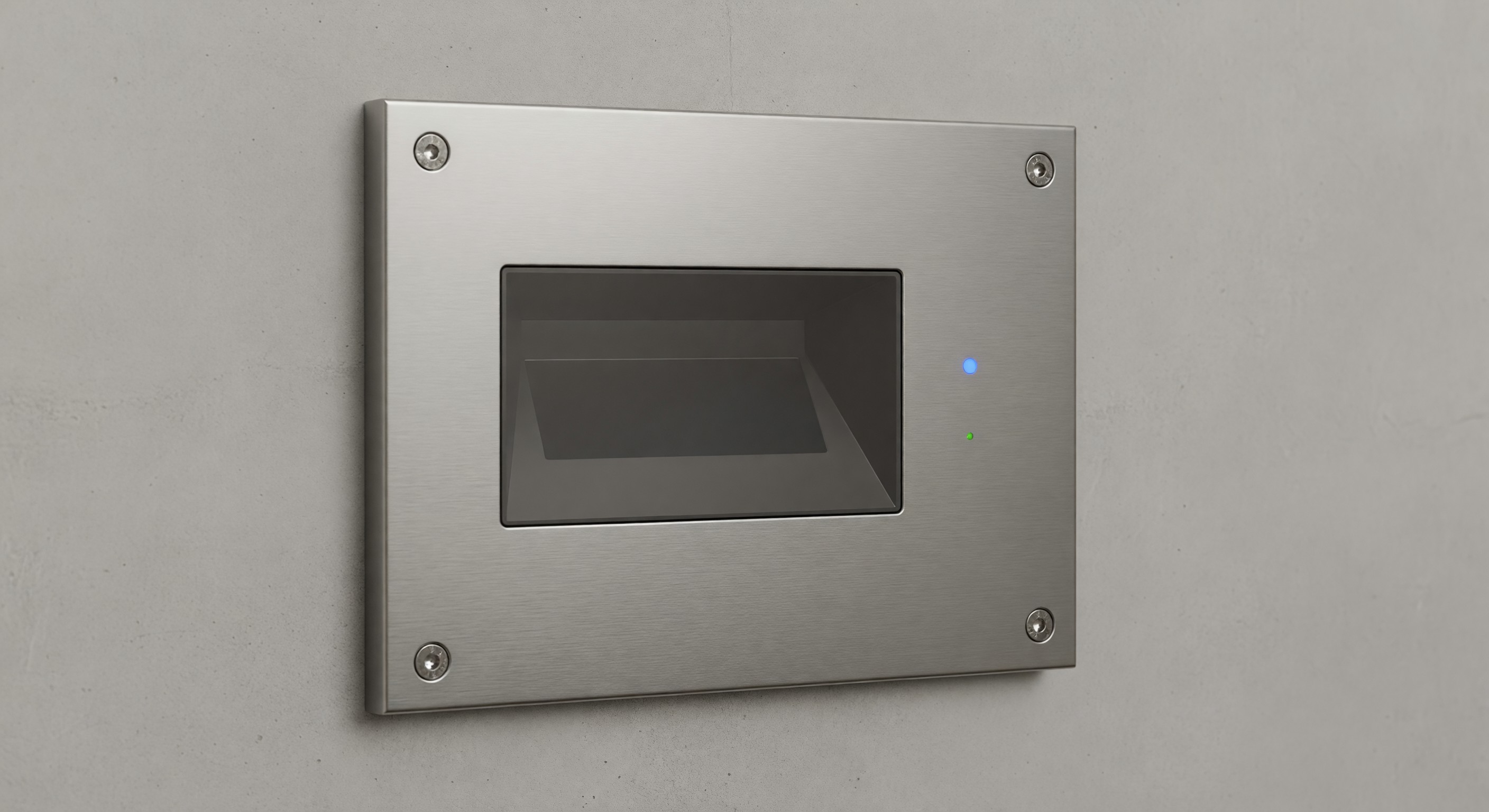
Access control in a hotel extends far beyond the guest room lock. A comprehensive access control program manages who can access every area of the property — guestrooms, back-of-house, mechanical spaces, offices, vaults, and equipment rooms — with credentials that can be granted, restricted, and audited.
Hotels that treat access control as a guest room lock management function are leaving significant security gaps. This guide covers access control as a property-wide security system.
Mapping the Access Control Zones
The first step in designing an effective access control program is defining the zones — the distinct areas of the property with different access requirements.
Public zones: Lobby, public restrooms, restaurant (during operating hours), fitness center entrance, and outdoor areas. No credential required for access. However, these zones should connect to restricted zones only through controlled access points.
Guest zones: Guestroom corridors, pool (if guest-only access is enforced), fitness center (after credentialing at entrance), and business center. Accessible to hotel guests with a valid room credential.
Semi-restricted zones: Meeting room floors during events, club lounge access for qualified guests, executive floor, and rooftop terrace (if applicable). Requires a specific credential or validation beyond the standard room key.
Staff zones: Employee entrances, back-of-house corridors, housekeeping storage, laundry, and food service back areas. All property employees, but not guests.
Restricted operational zones: Mechanical rooms, electrical rooms, IT closets, server rooms, and equipment areas. Limited to engineers and authorized maintenance personnel.
High-security zones: Cash handling areas, safe deposit area, executive offices, and master key storage. Very limited access; typically logged.
Each zone boundary requires an access control decision: what credential allows passage, who authorizes it, and how is it logged?
Employee Access Management
The Principle of Least Privilege
Every employee should have access to exactly the areas they need to do their job — and no more. This sounds obvious but is routinely violated in hotel operations. Housekeepers given full floor masters when they only work on two floors. Engineers given blanket access to all mechanical rooms when they’re responsible for a subset. Front desk staff with access to the server room because “it’s easier.”
The least-privilege principle requires defining access needs by job function and issuing credentials that match those needs. It requires more initial setup but dramatically reduces the security exposure from lost credentials, disgruntled employees, and insider theft.
Access Level Design
Design access levels that correspond to job functions rather than individual employees. Common levels for hotel properties:
Housekeeping (floor-assigned): Access to guestrooms and service areas on assigned floors only. Access window limited to shift hours.
Housekeeping (supervisor): Access to all guestroom floors. Access to housekeeping offices and linen storage.
Engineering/maintenance (general): Access to all mechanical spaces, back-of-house areas, and guestrooms (for service). No access to financial areas, server rooms, or executive offices.
Engineering (senior/chief): All of the above plus electrical rooms, IT closets, and emergency access credentials.
Front desk: Guest area access, office and work area access, emergency master for guest lockouts. No back-of-house mechanical or financial areas.
Security: Access to all areas except executive offices and server rooms. Should log unusual access patterns for review.
Management (GM/department heads): Broad access appropriate to their oversight responsibility. Should not carry master credentials casually — these should be secured when not in active use.
Onboarding and Offboarding
Access credential management must be tied to HR processes:
Onboarding: Access credentials issued only after employment is confirmed, required training is completed, and the appropriate access level for the role is assigned. Never issue access in advance of the start date.
Role changes: When an employee changes roles (housekeeper to front desk, for example), revoke the old access level and issue the new one. Allowing accumulated access from previous roles is a common security gap.
Termination: Access credentials must be revoked on the day of termination — before, if possible, or simultaneously with the termination meeting. Never allow a terminated employee to leave with an active credential. This is non-negotiable.
Contractor and Vendor Access
Contractors and vendors require temporary access credentials for the areas relevant to their work. Principles:
- Issue temporary credentials with defined expiration dates
- Limit access to the specific areas where work will be performed
- Log all contractor credential issuances with vendor name, issuing manager, and purpose
- Revoke all vendor credentials immediately upon project completion
- Never give contractors a permanent credential that’s reused for multiple visits
Audit and Monitoring
The most powerful security benefit of an electronic access control system is the audit trail it creates. Every credential presentation at every controlled access point is logged with time, date, location, and credential identifier.
This data is only valuable if someone reads it.
Routine Audit Practices
Weekly review:
- Access attempts outside of normal work hours (employee credentials used at 3 AM)
- Failed access attempts (multiple failures at a single door may indicate a tailgating attempt or lost credential in use)
- Unusual access patterns for individual credentials (a housekeeper accessing a floor they’re not assigned to)
Monthly review:
- Active credential list: verify that every active credential corresponds to an active employee or vendor with documented access need
- Any access to high-security zones: review and verify legitimate purpose for all access events
- Credential usage frequency: credentials that have had no access events in 30+ days may be orphaned (employee has left but credential wasn’t deactivated)
Annual audit:
- Complete review of all issued credentials vs. active employment/vendor status
- Verification that access levels assigned to each credential match current job function
- Review of physical readers for any tampering or damage
- Review of access zone map to confirm it matches current property configuration
Response to Anomalies
Define response procedures for different types of anomalies:
- Access outside authorized hours: Verify with the employee’s supervisor before assuming an issue
- Failed access attempts: Investigate if clustered at a single door or time; may indicate lost/stolen credential
- Access to unauthorized areas: Immediate follow-up with the employee and their supervisor
- Dormant credential with access event: Escalate to security management immediately
Technology Selection
Integrated vs. Standalone Systems
An integrated access control system manages all access points — guestroom locks, back-of-house doors, elevator floor access, parking gates — from a single software platform. This is the ideal state: one credential database, one management interface, one audit log.
In practice, hotel access control is often fragmented: the guestroom lock system from one vendor, the back-of-house access control from another, parking from a third. Each system has its own credential database and audit trail.
Integration between systems requires middleware that can be complex and expensive. However, the security benefit of unified credential management is significant. When an employee is terminated, you want to deactivate their credentials in one place — not three separate systems that you have to remember to update individually.
Cloud-Based vs. On-Premises
The trend in access control technology is toward cloud-based management, where the access controller connects to a cloud-hosted management platform rather than an on-premises server. Benefits:
- Remote management and monitoring without on-site server infrastructure
- Software updates handled by the vendor
- Remote credential management (an employee calls in terminated — credentials deactivated from anywhere)
- Real-time access event monitoring on a mobile device
The limitation: cloud-based systems depend on internet connectivity. An outage that disconnects the controllers from the cloud server typically results in cached credentials continuing to work (controllers store authorized credentials locally) but remote management and real-time monitoring are unavailable.
FAQ
How do we manage the transition when we upgrade from one access control system to another? Plan a parallel operation period where both the old and new systems are active. Migrate credentials systematically by department. Test every door reader and every access level before decommissioning the old system. The transition period is when security gaps are most likely — maintain manual security measures and document every step.
What’s the right audit log retention period for access control data? A minimum of 90 days for routine access events; 1 year or longer for access events in high-security areas or events that correspond to reported incidents. If an incident report names a specific date and location, preserve those access records indefinitely until the matter is fully resolved.
Should guests be able to use their room credential for any back-of-house access? No. Guest credentials should not provide access to any back-of-house area. Verify this specifically when integrating the lock system with any back-of-house access system — the access levels must be clearly separated.
How do we handle access control during a power outage? Credential storage in the access controller ensures that most doors continue to operate from battery backup during short outages. For longer outages, have a documented protocol for each controlled area: which doors should default to locked (secure areas) vs. which should default to open (emergency egress). Test this during your annual generator test.
Further Reading from Authoritative Sources
- AHLA hotel access control and employee security management standards — AHLA provides hospitality industry standards on access control program management, employee credential governance, and physical security practices applicable to hotel access control policy development and ongoing security program management.
- NIST access control standards and identity management frameworks — NIST provides access control principles, identity and credential management standards, and security framework guidance applicable to hotel access control system design, access level architecture, and credential lifecycle management.