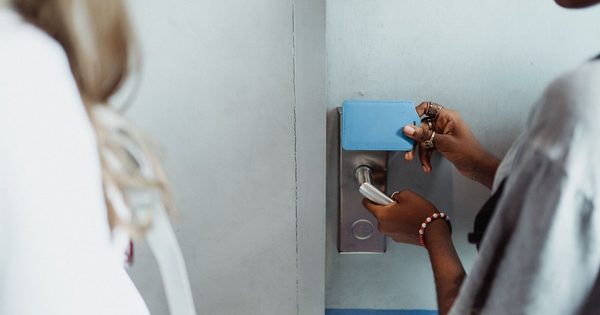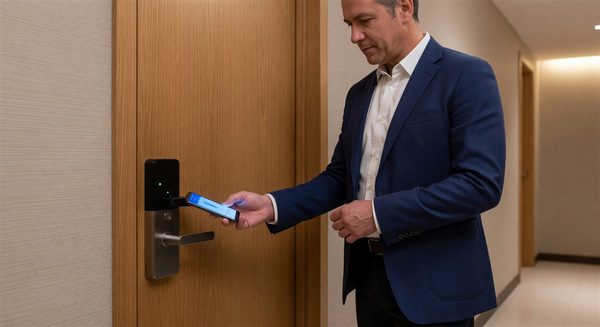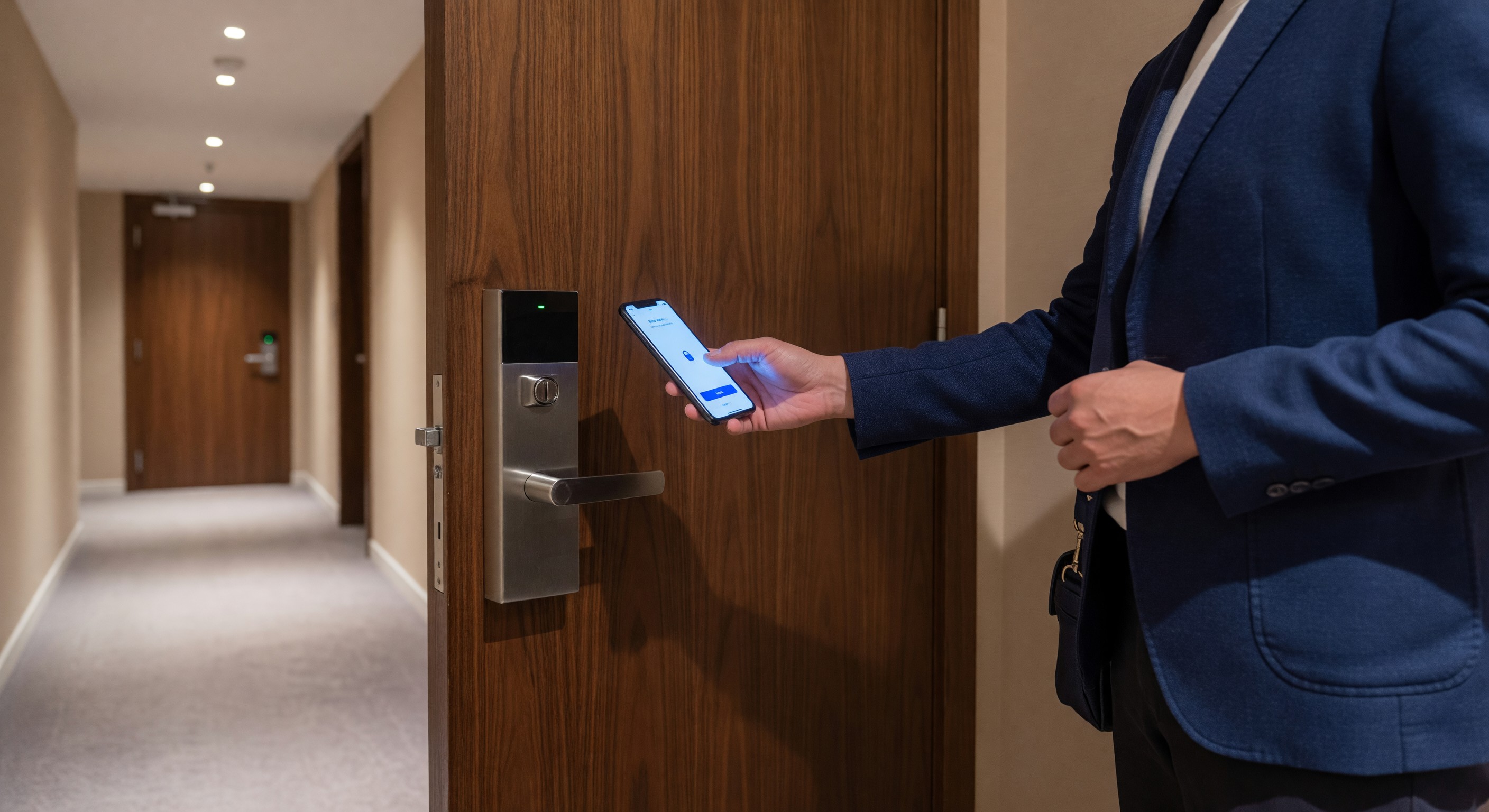
The hotel room key card has been the dominant guest access technology for three decades. While RFID key cards remain reliable and cost-effective, a growing segment of hotel guests — particularly loyalty members and tech-comfortable travelers — prefers the seamlessness of accessing their room via smartphone without a trip to the front desk.
Mobile key technology has matured from a beta-stage differentiator to a mainstream loyalty program benefit at major brands, and it is increasingly expected at upscale independent properties. This guide covers the current technology landscape, implementation requirements, guest adoption considerations, and how mobile access integrates with the broader guest technology ecosystem.
How Mobile Key Systems Work
Modern hotel mobile key systems use one of two primary communication technologies:
Bluetooth Low Energy (BLE): The smartphone communicates with a BLE reader installed at the lock. No network connection is required at the lock — the credential is stored in the guest’s phone app and transmitted via Bluetooth when in proximity (typically within 3–6 feet). BLE provides reliable operation in areas without consistent WiFi coverage (corridors, stairwells, parking structures) and has lower lock hardware cost than WiFi-connected alternatives.
NFC (Near Field Communication): Similar to contactless payment, NFC requires the phone to be within approximately 4 centimeters of the reader. Used primarily by Apple Wallet and Google Wallet hotel key implementations (including some Hilton and Hyatt properties), NFC provides a very familiar interaction pattern for guests accustomed to tap-to-pay. Requires NFC-capable readers at locks.
WiFi-connected locks: Some hotel lock platforms use WiFi connectivity for real-time credential delivery and lock status reporting. Higher infrastructure complexity than BLE, but enables instant key issuance (no app pre-download required for some implementations) and real-time lock event monitoring.
Most major hotel brands have standardized on BLE for their mobile key programs: Marriott (Mobile Key via Bonvoy app), Hilton (Digital Key), Hyatt (World of Hyatt app), IHG (One Rewards), and Wyndham all use BLE-based mobile key systems that work with major lock platforms including ASSA ABLOY (formerly Ving), Dormakaba, Allegion, and Onity.
Lock Hardware Upgrade Requirements
Deploying mobile key requires compatible lock hardware. Hotels currently operating RFID key card locks may need to:
- Upgrade to BLE/NFC-capable locks: Most modern hospitality lock platforms have released BLE-capable firmware updates for recent-generation locks, or offer BLE retrofit kits. Older lock generations may require full lock replacement — a significant capital investment for large properties.
- Install BLE readers at elevator lobby panels, pool/fitness access, and other access-controlled doors — not just guest room doors. Full mobile key programs replace all card-access points, not just the room door.
- Upgrade infrastructure at the front desk: Mobile key issuance typically occurs via the hotel’s app and PMS integration — the front desk system must support mobile key issuance as an alternative to key card encoding.
A mid-size hotel (200 rooms) full mobile key deployment — including room locks, elevator access, pool/fitness readers, and front desk software — typically requires $150,000–$400,000 in hardware and installation investment.
PMS Integration and the Digital Check-In Flow
Mobile key is most valuable when paired with digital pre-arrival check-in. The ideal guest flow:
- Pre-arrival: Guest receives email or push notification offering mobile check-in
- In-app: Guest selects room preferences, provides ID verification (many states/countries require), and confirms credit card on file
- Room assignment: Hotel assigns room and issues mobile key credential to guest’s app
- Arrival: Guest bypasses front desk, proceeds directly to room, and uses mobile key to enter
- Stay: Guest can use app for service requests, F&B ordering, and departure key drop
This flow requires PMS integration that supports digital room assignment and key issuance without front desk involvement. Not all PMS platforms support this workflow — evaluate your PMS upgrade path if mobile key is a strategic priority.
Guest Adoption Reality
Despite industry enthusiasm for mobile key, actual adoption rates at most properties run 15–40% of eligible check-ins, even at properties where mobile key has been well-marketed and the technology works reliably. Barriers include:
- Guests who want human interaction at check-in to discuss room preferences or service requests
- International guests with roaming/connectivity concerns
- Guests who haven’t downloaded the brand app or don’t have loyalty accounts
- Battery anxiety (phone running low = no room key anxiety)
Design for the hybrid reality: mobile key as an option for guests who want it, not a replacement for traditional check-in for those who prefer the front desk experience. Properties that have pushed too aggressively toward mobile-only check-in have generated significant guest complaints.
Elevator and Area Access Integration
A mobile key program that gets guests to their room door but requires a physical card for elevator access, pool, or fitness center creates a fragmented experience that undermines the “leave your card behind” value proposition. Comprehensive mobile key deployments include BLE readers at all controlled access points:
- Elevator lobby panels (floor selection restricted to registered floors for security)
- Pool and fitness center entry
- Parking access (for properties with integrated parking)
- Business center and meeting room access
Security Considerations
Mobile key systems introduce security considerations that facility and IT managers must address:
Credential security: Digital key credentials are encrypted and time-limited. Most systems use rotating cryptographic keys that prevent replay attacks. Unlike physical key cards, digital credentials cannot be physically cloned (though app-level credential sharing between guest devices may require policy decisions).
Device theft: If a guest’s phone is stolen, they can remotely invalidate the mobile key credential from another device via the hotel app — something not possible with a stolen key card.
Lock firmware management: BLE-capable locks require firmware update programs. Establish a process for periodic lock firmware updates, coordinated with your lock vendor, to ensure security patches and protocol updates are applied.
Frequently Asked Questions
Can hotel guests still get a traditional key card if they prefer it? Yes — and they should be able to. Mobile key is most effective as an opt-in enhancement for guests who prefer it, while maintaining traditional key card issuance for all other guests. Forcing mobile key on guests who prefer physical cards generates friction and complaints that offset the experience improvements for mobile key adopters.
What happens if a guest’s phone battery dies with a mobile key? This is the most common concern guests express about mobile key. Best practice: ensure the front desk can always issue a backup physical key card instantly. Train front desk staff to view this as a normal service moment, not a mobile key failure. Some properties proactively include this information in the mobile check-in confirmation email to set expectations.
How long does a mobile key deployment typically take? From contract to full deployment, 6–18 months is typical for a full-property mobile key implementation at a mid-size hotel. Timeline drivers include lock hardware lead time (historically 12–16 weeks for hospitality locks), installation scheduling around occupancy, PMS integration complexity, and staff training. Properties within brand loyalty programs often have dedicated brand mobile key implementation support.
Is mobile key more secure than traditional RFID key cards? In most respects, yes. Mobile key credentials use stronger encryption than most legacy RFID key card formats (many older RFID card systems use 125kHz proximity technology with minimal encryption). BLE credentials are device-bound (cannot be easily shared or duplicated) and can be remotely revoked. The primary mobile key security vulnerability is guest device security — a compromised phone may expose app-stored credentials.
Further Reading from Authoritative Sources
- AHLA hotel mobile key and guest access technology resources — AHLA provides hospitality industry research on mobile key adoption rates, guest access technology implementation practices, and guest experience standards applicable to hotel mobile key program development and evaluation.
- HFTP hotel keyless entry and mobile access integration standards — HFTP provides hospitality technology professionals with mobile key integration standards, BLE protocol guidance, and lock platform compatibility frameworks applicable to hotel keyless entry system selection and deployment.