A hotel CCTV system is simultaneously a security tool, a liability management resource, and an operational asset. When designed and managed well, it deters crime, provides evidence when incidents occur, and supports a range of operational functions from loss prevention to parking management. When poorly designed or managed, it creates a false sense of security, generates footage that’s useless in investigations, and may create legal exposure.
For facility managers and directors of security, building a CCTV program that actually works requires making the right choices at the design stage and sustaining the system operationally over its full lifecycle.
Coverage Planning
Where Cameras Are Required vs. Recommended
Required coverage areas (high-priority, no exceptions):
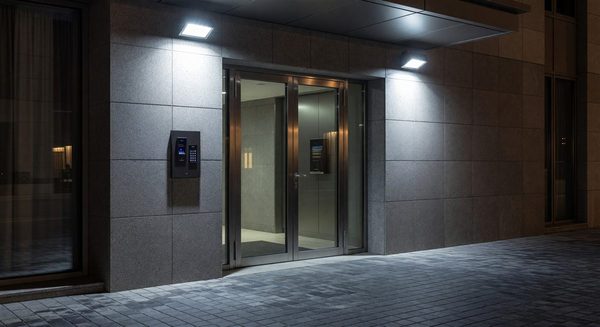
- All building entry and exit points (main entrance, service entrance, loading dock, emergency exits)
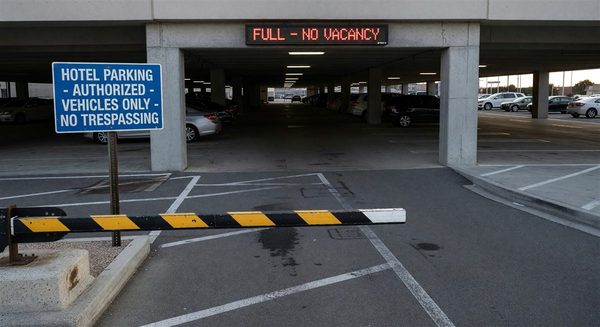
- Parking structure entries and exits
- Elevator lobbies on every floor
- Elevator cabs (interior camera in each cab)
- Cash handling areas (front desk, cash drawer locations)
- Hotel safe deposit box area
- Fitness center entrance
- Pool area entrance (note restrictions on pool deck coverage in some jurisdictions)
Recommended coverage areas:
- Corridors on all guestroom floors (one camera per corridor covering each direction)
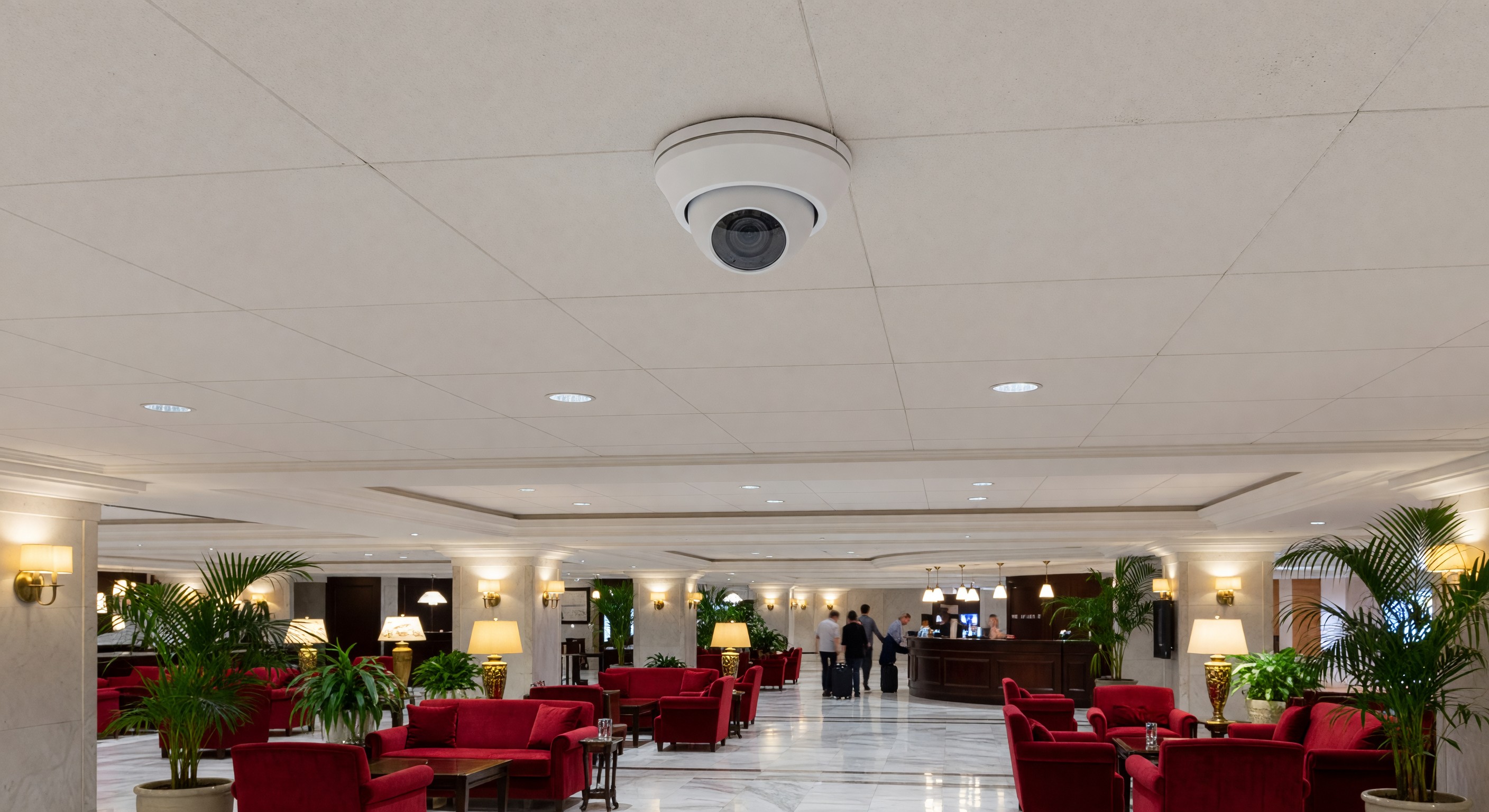
- Lobby and public seating areas
- Restaurant entrance
- Meeting room lobbies
- Back-of-house corridors connecting to guestroom areas
- Parking lot perimeter
- Outdoor gathering areas
Areas that must not have camera coverage:
- Guestrooms
- Restrooms and changing rooms (locker rooms, pool changing areas)
- Areas where a reasonable person has an expectation of privacy
Camera Placement Principles
Height: Mount cameras at 9–10 feet for interior applications. Too high reduces facial recognition capability; too low creates tampering risk.
Angle: Position cameras to capture face-forward images at entry and exit points. A camera pointed at the back of someone’s head is of limited investigative value.
Lighting: CCTV and lighting are interdependent. Cameras need adequate light to produce useful footage. In low-light areas, specify low-light cameras with wide aperture lenses or add supplemental lighting. Do not assume a camera in a dim corridor will produce useful images at night.
Overlapping coverage: Entry points and high-value areas should have two cameras with overlapping coverage from different angles. Single-camera coverage creates a single point of failure.
Camera Technology Selection
Resolution
The baseline for any new hotel CCTV installation is 4MP (megapixel) for general coverage cameras and 8MP for entry point and transaction area cameras. Do not specify HD-analog (1080p) cameras for new installations — IP megapixel systems offer meaningfully better evidence quality.
For cameras that need to capture license plates in parking areas, specify LPR-optimized cameras with appropriate lens for the distance and lighting conditions.
Video Compression
H.265 (HEVC) compression reduces storage requirements by approximately 50% compared to H.264 while maintaining the same image quality. New installations should specify H.265-capable cameras and recording equipment.
Indoor vs. Outdoor
Outdoor cameras must be rated for the environmental conditions at the property. At minimum, specify IP66 weatherproofing for exterior cameras. In extreme cold climates, cameras with built-in heaters. In vandalism-prone locations, IK10-rated vandal-resistant housings.
Recording and Retention
Storage Sizing
Storage requirements depend on camera count, resolution, compression, frame rate, and motion-activated vs. continuous recording.
A rough rule for planning purposes: 4MP cameras recording continuously at 15fps with H.265 compression require approximately 20–30GB per camera per day. A 100-camera property recording continuously requires 2–3TB of daily storage.
In practice, most systems use motion-triggered recording (recording only when motion is detected) or variable frame rate recording, which reduces storage by 40–60%. However, for entry/exit cameras and high-value areas, continuous recording is worth the additional storage cost.
Retention Policies
Minimum retention periods (these should be the floor, not the ceiling):
- Guestroom floor corridors: 30 days
- Lobby and public areas: 60 days
- Entry and exit points: 90 days
- Cash handling areas: 90 days
- Parking areas: 30 days
Many incidents — particularly slip-and-fall claims — don’t surface for weeks or months after the event. Retention periods should reflect the realistic timeline for incident reporting and investigation in your property type and market.
Legal holds: When an incident is reported that may result in a claim or litigation, immediately preserve the relevant footage and document the preservation. Overwriting footage subject to a litigation hold creates serious legal exposure.
Recording Infrastructure
Network video recorders (NVRs): The standard for IP camera systems. Choose a platform with a management interface that’s actually usable by your security team. Evaluate vendors on the reliability of their recording hardware, the quality of their video management software, and the quality of their support.
Redundancy: Critical camera recording should not rely on a single point of failure. At minimum, configure RAID storage in the NVR to protect against hard drive failure. For high-value or high-risk properties, consider redundant recording to a secondary server or cloud backup.
Remote access: Security managers and GM should be able to view live and recorded footage remotely via a web browser or mobile app. Ensure the remote access solution is properly secured — a CCTV system accessible from the internet without proper authentication is itself a security risk.
System Management and Operations
Monitoring
The decision of whether to actively monitor CCTV in real-time depends on the property’s risk profile, staffing model, and local regulatory requirements. Most hotels use CCTV primarily as a post-event review tool rather than active monitoring — a legitimate choice for properties without the staffing or risk level to justify dedicated monitoring.
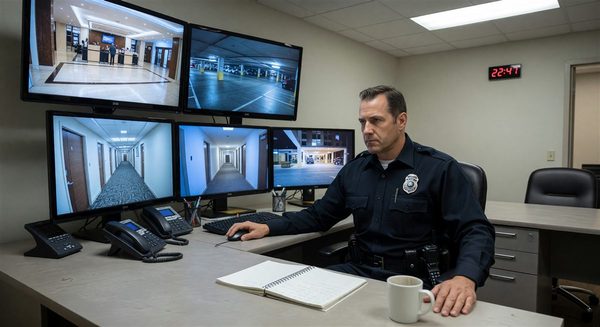
If you do have active monitoring (a security desk with live feeds), establish clear protocols for observer response to incidents. An observer who watches a crime happen and doesn’t act creates legal exposure.
Access Control for the System
CCTV system access should be strictly controlled:
- Role-based access with audit logging of who viewed what footage and when
- Separate accounts for security officers, management, and IT support
- No shared credentials
- Regular access reviews to remove departed employees
Routine System Health Checks
Monthly CCTV system maintenance should include:
- Visual inspection of all cameras (check for lens obstructions, physical damage, pointing direction)
- Spot-check of recording quality from a sample of cameras
- Verification that all cameras are recording and footage is retrievable
- Storage utilization review
- Review of any system error logs
A camera that isn’t recording because of a network issue or storage failure provides no security value but gives a false impression of coverage. Regular auditing catches these failures.
Legal and Privacy Considerations
Notice: Most jurisdictions require visible notice that an area is under CCTV surveillance. This is typically accomplished with posted signage. Consult legal counsel on the specific requirements in your jurisdiction.
Data protection: In jurisdictions with data protection laws (GDPR in Europe, various state laws in the US), CCTV footage is considered personal data and may be subject to data subject access requests, retention limitations, and other requirements.
Sharing footage: Never share footage with law enforcement or other third parties without proper legal authority (a subpoena, warrant, or specific statutory authorization). Train staff on the proper procedure for law enforcement requests.
Insurance implications: Many property and liability insurers are interested in your CCTV program. Some will discount premiums for well-documented CCTV coverage. Review your insurance requirements and consider whether your coverage documentation (retention, placement, quality) is adequate.
FAQ
How many cameras does a 200-room hotel typically need? A reasonable estimate for a full-service property: 60–100 cameras for basic compliance coverage, 120–180 for comprehensive coverage including all corridor positions. The right number depends on the property layout and your coverage philosophy.
What’s the difference between a DVR and an NVR? A DVR (digital video recorder) works with analog cameras. An NVR (network video recorder) works with IP cameras. All new hotel CCTV installations should use IP cameras with NVR recording. If you’re evaluating a DVR-based system, it’s almost certainly using outdated technology.
How do we handle a guest who requests footage related to a personal incident? Don’t release footage directly to guests without legal review. Take a written statement of the request, preserve the relevant footage, and route the request to your legal counsel. The appropriate process depends on whether the incident involves a legal claim, privacy concerns, and jurisdiction-specific requirements.
Should we outsource CCTV monitoring to a central station? For most hotels, the cost of full-time remote monitoring by a central station isn’t justified unless the property has a specific high-risk profile. A better model for most properties is using CCTV primarily as a post-event review tool with remote access for management, and investing in good on-site security presence during high-risk hours.
Further Reading from Authoritative Sources
- AHLA hotel CCTV program standards and security technology resources — AHLA provides hospitality industry standards on CCTV program design, security technology deployment, and incident documentation practices applicable to hotel surveillance system planning, coverage standards, and operational management.
- NIST physical security standards and video surveillance system guidelines — NIST provides physical security standards, video surveillance system specifications, and security technology governance frameworks applicable to hotel CCTV system design, camera specification, recording infrastructure, and access control requirements.