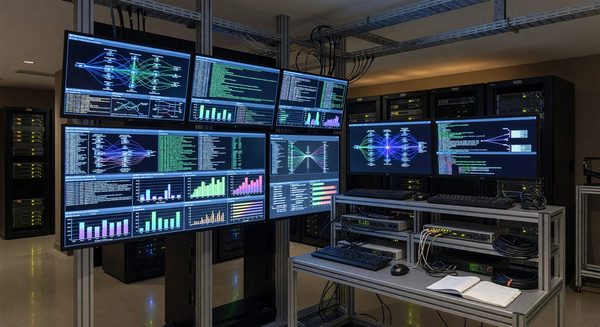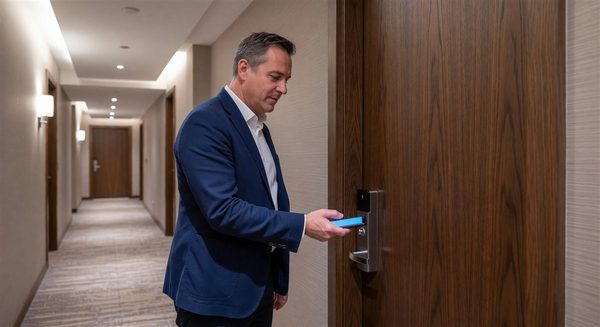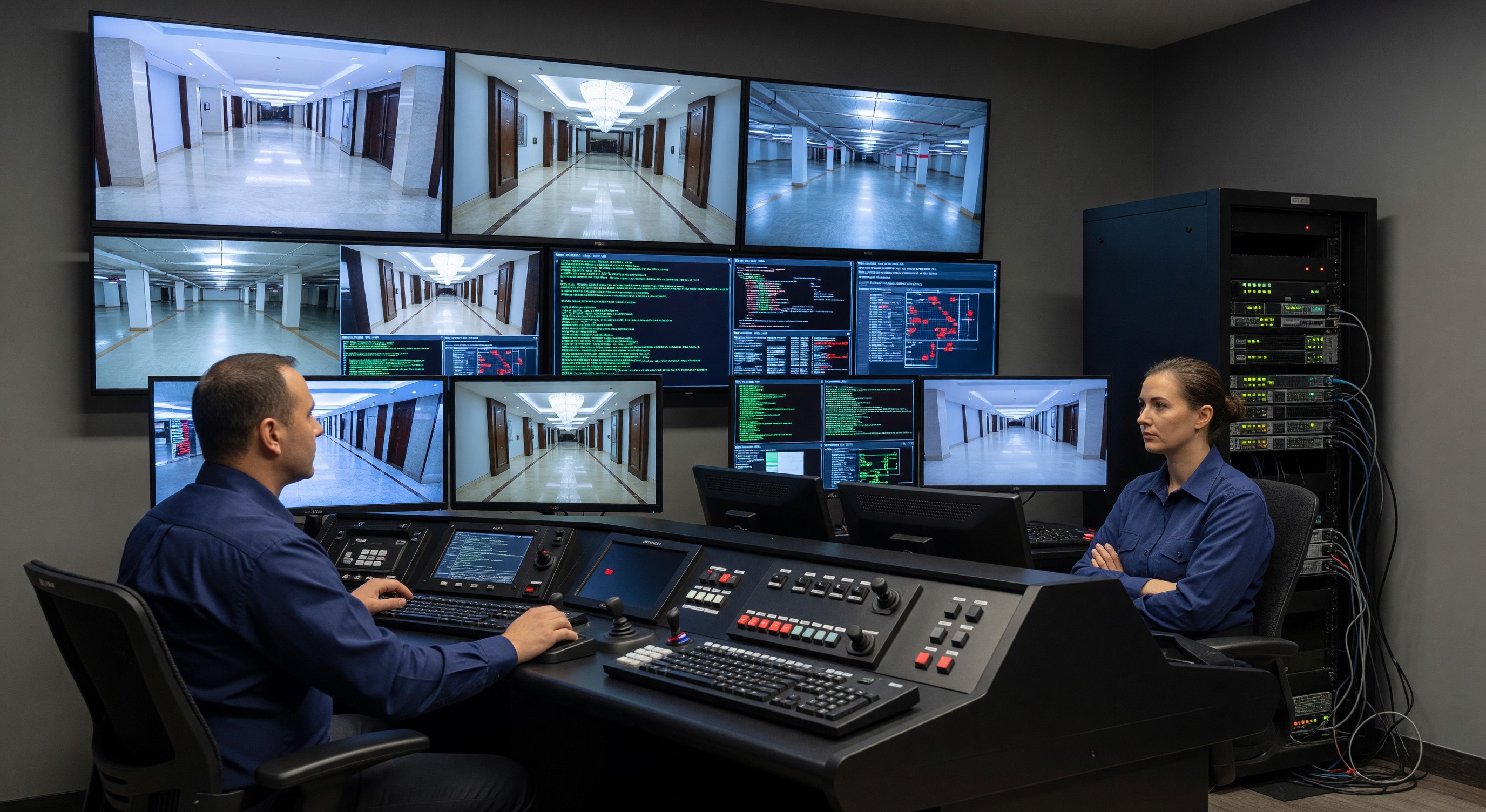
The traditional separation between physical security (door locks, cameras, access control) and cybersecurity (network security, data protection) has largely dissolved in modern hotel operations. Virtually every physical security system now operates on a network: electronic locks communicate with the PMS via IP, CCTV systems record to networked storage, access control systems are managed via cloud platforms, and the building automation system manages HVAC and lighting via software.
This convergence creates new vulnerabilities that facility managers need to understand, even if they’re not cybersecurity specialists. A vulnerability in the building’s network infrastructure can become a physical security problem. A poorly secured IoT device can become an entry point for a data breach.
Understanding the Attack Surface
The attack surface of a modern hotel’s physical security systems includes:
Electronic lock systems: Most modern hotel lock systems have an IP-based management interface. Vulnerabilities in the lock management software or its network implementation can potentially allow unauthorized credential manipulation.
CCTV systems: Network Video Recorders (NVRs) are internet-connected computers running embedded operating systems that, if unpatched, can have known vulnerabilities. Cameras themselves are networked devices — the Mirai botnet that created one of the largest DDoS attacks in history was built primarily from compromised IoT cameras.
Access control servers: The software managing building access credentials runs on servers (physical or cloud) that are networked and subject to the full range of server-side vulnerabilities.
Building automation systems: BAS systems managing HVAC, lighting, and other building systems are increasingly IP-connected and, in some cases, have web interfaces that are accessible from the internet.
Parking management systems: Networked parking management platforms, LPR systems, and pay station networks are all networked systems with their own security profiles.
Guest WiFi network: While not directly a physical security system, the guest WiFi network’s proximity to property IoT systems creates potential attack vectors if network segmentation isn’t properly maintained.
Key Vulnerabilities in Hotel Physical-Security Technology
Default Credentials
A shockingly large percentage of networked physical security devices are deployed with their factory default administrator credentials never changed. Default admin passwords for major camera and access control brands are published on manufacturer documentation websites — and exploited routinely by automated scanning tools.
Every IP-connected physical security device must have default credentials changed during installation. This is not optional — it is the minimum baseline of networked device security.
Unpatched Firmware
Cameras, NVRs, access control servers, and building automation controllers all run software that has security vulnerabilities. Manufacturers release firmware updates that patch known vulnerabilities. Devices that are never updated remain vulnerable to exploits that have been publicly documented.
Establish a firmware update policy for all networked physical security devices:
- Subscribe to security advisories from each manufacturer
- Apply security updates within 30 days of release for critical vulnerabilities
- Include firmware version checks in the annual security audit
Network Segmentation Failures
Physical security devices — cameras, access control readers, BAS equipment — should be on separate network segments (VLANs) from guest WiFi, administrative networks, and PMS systems. Proper segmentation limits the damage from a compromised device: a camera that’s been hijacked can’t communicate with the PMS or access the guest WiFi.
In many hotel properties, particularly older ones that have added networked equipment incrementally, the network segmentation is poorly designed or entirely absent. All devices are on a flat network where a compromised camera could reach every other device.
Have your network architecture reviewed by a qualified IT professional. If you don’t have proper VLAN segmentation for your physical security devices, this is a priority project.
Remote Access Without MFA
Many physical security management platforms — lock systems, CCTV, access control — allow remote access via a web browser or app. Remote access is operationally valuable but creates risk if not protected with multi-factor authentication (MFA).
Remote access to physical security management systems should require:
- Unique username and strong password for each user
- Multi-factor authentication (authenticator app or hardware token)
- Access logging with review
Shared credentials and password-only authentication for remote access to physical security systems is a significant risk.
Third-Party Vendor Access
Your HVAC vendor, elevator company, CCTV installer, and lock system provider may all have remote access to their respective systems on your property. Each is a potential access point.
For every vendor with remote access to building systems:
- Verify they use MFA for their remote access
- Require that access is limited to the systems they’re responsible for (not a general network account)
- Review the access logs for vendor accounts periodically
- Revoke access immediately when the vendor relationship ends
Practical Security Measures for Facility Teams
Network Architecture
Work with your IT team (or an external IT consultant if you don’t have in-house IT) to ensure:
- Physical security devices are on dedicated VLANs
- VLANs for physical security cannot directly communicate with guest WiFi or PMS networks
- All inter-VLAN communication is controlled and logged by firewall rules
- Remote access to building systems is through a VPN with MFA, not direct internet exposure
Device Inventory and Asset Management
Maintain an inventory of every networked device in the building:
- IP address and location
- Manufacturer and model
- Current firmware version
- Last update date
- Default credential status (changed/not changed)
This inventory is also the tool you need to respond quickly if a vulnerability is reported for a specific device model.
Incident Response Plan
Have a documented plan for responding to a security incident that involves physical security systems:
- Who is notified (IT, management, owner, potentially law enforcement)
- How to isolate a compromised device without disrupting building operations
- How to assess whether the incident affected physical access (did anyone gain unauthorized access?)
- How to restore normal operations after remediation
The intersection of physical and cyber security means that a cyber incident may need a physical response (changing locks, reviewing who had physical access) and a physical security incident may need a cyber response (reviewing network access logs). Include both perspectives in the incident response plan.
Working with IT and Security Teams
Facility managers are increasingly expected to coordinate with IT and information security teams on building system security. Productive collaboration requires:
Clear ownership assignment: Who owns the security of each system? The lock system security might be jointly owned by facility (for physical hardware) and IT (for the network and software management layer). Ambiguous ownership creates gaps.
Shared awareness: Facility managers should know who the IT security lead is and how to reach them. IT security should understand what building systems exist and what they do. Without shared awareness, the two teams optimize their own domains while gaps form at the intersection.
Joint review of new system purchases: Any new building system with network connectivity should go through an IT security review before purchase. This catches issues when the solution is still specifiable rather than after installation.
FAQ
Should facility managers have cybersecurity training? Yes, at a basic awareness level. Understanding phishing attacks (don’t click suspicious links in vendor communications), password hygiene (no shared passwords, use a password manager), and the importance of firmware updates are enough to meaningfully reduce risk. Formal cybersecurity for building systems certifications are available for those who want deeper expertise.
How do we evaluate the security of a new physical security system vendor? Ask vendors directly: Do you require MFA for remote access? How do you handle vulnerability disclosure? What is your firmware update support lifecycle? How is data encrypted in transit and at rest? Vendors who can’t answer these questions clearly are not taking security seriously.
What do we do if we discover a networked security device has been compromised? Isolate the device from the network immediately (disconnect the Ethernet or disable the port at the switch). Notify IT and management. Don’t turn the device off — it may contain evidence needed for forensic investigation. Document what you observed and when. Follow your incident response plan.
Is cloud-based management of building systems (locks, cameras, BAS) more or less secure than on-premises? Well-managed cloud platforms from established vendors are generally more secure than on-premises servers managed by hotel engineering teams who may not have deep IT expertise. The cloud vendor invests in security as a core competency; the hotel does not. However, cloud-based management is dependent on internet connectivity, and you’re trusting the cloud vendor’s security practices. Evaluate specific vendors, not the concept of cloud vs. on-premises.
Further Reading from Authoritative Sources
- NIST cybersecurity framework for building systems and IoT devices — NIST provides the Cybersecurity Framework and IoT security guidance applicable to hotel networked building systems, including access control, CCTV, and BAS device security management.
- OSHA hospitality workplace security and data protection standards — OSHA’s General Duty Clause and hospitality sector guidance establish employer obligations for building system security that intersect with cybersecurity and physical security program requirements.