Work orders are the operational heartbeat of a hotel maintenance department. Every guest complaint, every scheduled inspection, every repair, and every capital project generates a work order. The way those work orders are created, assigned, completed, and analyzed determines much of the operational effectiveness of the facility team.
A well-managed work order system gives the director of engineering visibility into what’s happening, accountability for what gets done, and data for making better management decisions. A poorly managed system — or no system — means the same problems recurring, response times that can’t be measured, and maintenance histories that exist only in the chief engineer’s memory.
Work Order Categories
Understanding the types of work orders your system needs to handle is the first step in designing a process that works.
Reactive/corrective maintenance: A guest reports that the air conditioning isn’t working. A housekeeper finds a leaking toilet. These are unplanned, require prompt response, and must be tracked from receipt to completion.
Preventive maintenance: Scheduled PM tasks generated by the maintenance schedule — monthly PTAC inspections, quarterly fire extinguisher checks, annual boiler inspection. These should be generated automatically by the CMMS on schedule, assigned to the appropriate technician, and closed with completion documentation.
Project work: Multi-step tasks like a room renovation, system replacement, or a building improvement project. These may require multiple work orders or a project tracking structure.
Inspection and compliance: Regulatory inspections, permit-required tests, and compliance-driven tasks that must have specific documentation.
Guest requests: Non-maintenance requests that the engineering team handles — extra pillows, a roller to keep cords out of the walkway, a furniture rearrangement. These may or may not flow through the maintenance work order system depending on how the property handles guest services.
Work Order Lifecycle
A well-designed work order lifecycle has clear stages with defined responsibilities at each:
1. Request/creation: The work order is created — either automatically (for PM) or by intake from a guest complaint, housekeeping report, or staff observation. Essential information captured at creation: location, description of issue, priority, and requester.
2. Assignment: The work order is assigned to a specific technician or team. The assignment decision should consider skill match, geographic proximity, and current workload. In a CMMS, assignment triggers a notification to the assigned technician.
3. Acknowledgment: The assigned technician acknowledges the work order, confirming they’ve received it and know the expectation. For urgent work orders, acknowledgment should happen within 15–30 minutes of assignment.
4. In progress: The technician begins work. Time tracking begins. Any parts required are identified and requested.
5. Completion: Work is completed. The technician documents what was done, parts used, and time spent. Photos should be attached for significant repairs or any work in areas with potential liability exposure.
6. Review and close: A supervisor or the chief engineer reviews the completion documentation before officially closing the work order. This review step catches incomplete work and ensures documentation quality.
7. Analysis: Closed work orders are analyzed to identify trends, recurring issues, and opportunities for improvement.
Priority Classification
Every reactive work order needs a priority that determines the response expectation:
Emergency (P1): Issues affecting life safety, structural integrity, or complete loss of a guest-facing service that cannot be mitigated. Response: immediate — engineer dispatched within minutes. Examples: active water leak flooding, total HVAC failure in occupied room block, fire system issue, elevator entrapment.
Urgent (P2): Issues significantly affecting a guest’s stay or a critical operational system without an immediate workaround. Response: within 2 hours. Examples: no hot water in occupied room, PTAC failure in occupied room, toilet not functioning.
High (P3): Issues affecting guest comfort or operational efficiency, with a temporary workaround available. Response: within 4 hours on the same shift. Examples: room too warm but PTAC functional at lower settings, slow drain, TV remote not working.
Standard (P4): Non-urgent repairs that should be addressed this week. Response: within 48 hours. Examples: light bulb out in guestroom, sticky door latch, cosmetic damage.
Planned (P5): Work that can be scheduled in advance without urgency. Response: within two weeks. Examples: caulk replacement in a vacant room, door threshold adjustment, non-critical back-of-house repairs.
Guest Communication Integration
The work order system should integrate with the guest service process. When a guest calls the front desk with a maintenance complaint, the agent should be able to:
- Create a work order directly from the guest management system (or handoff to engineering who creates it)
- Give the guest a realistic expectation for response time based on the priority
- Receive an update when the work order is completed so they can follow up with the guest
The guest follow-up after completion — a brief call or message confirming the issue was resolved — is a service recovery tool that converts maintenance complaints into satisfaction. Properties that systematically follow up after maintenance issues see meaningfully better satisfaction scores for the category.
CMMS System Selection
Choosing the right Computerized Maintenance Management System (CMMS) determines the practical utility of your work order program.
Core Capabilities for Hotels
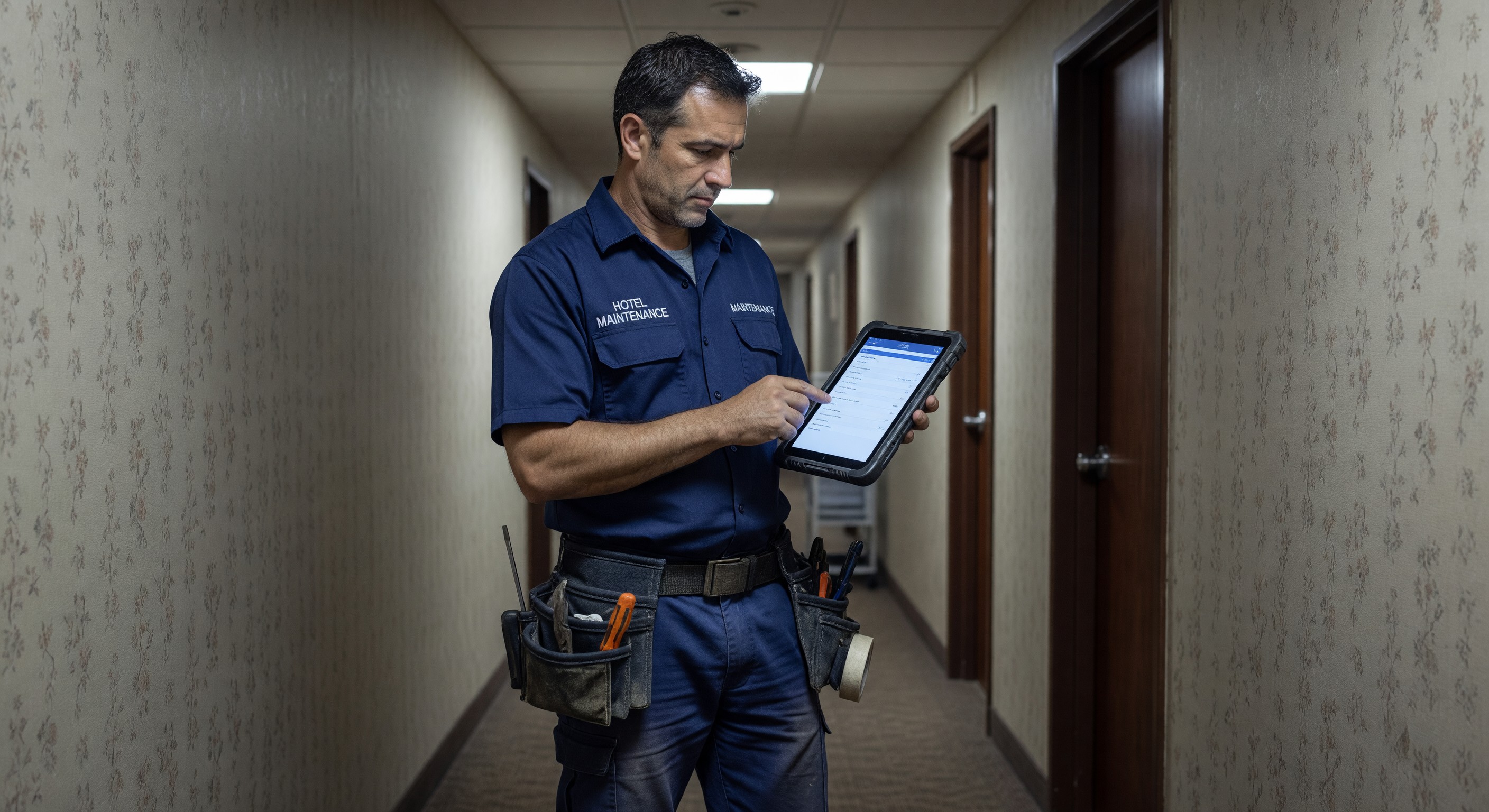
- Mobile-first interface: Technicians need to create, receive, and close work orders from a smartphone or tablet in the field
- Guest room number as location: The system should treat guestroom numbers as primary locations with room history accessible from a work order
- Photo attachment: Required for documentation quality and dispute resolution
- Parts tracking: Ability to log parts used against each work order for cost tracking
- PM schedule integration: Automatic generation of PM work orders from a defined schedule
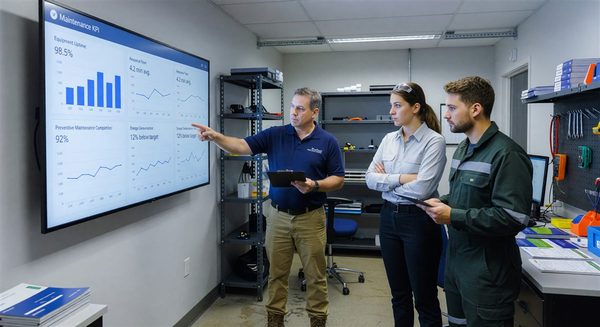
- Reporting dashboard: Management visibility into open work orders, completion rates, and trends
- PMS integration: Some CMMS platforms integrate with the PMS to pull reservation status for prioritization
Common CMMS Platforms Used in Hotels
Several platforms have established track records in hospitality: HotSOS (Amadeus), ALICE (now part of Actabl), Quore, and Beekeeper are among the platforms used by branded and independent hotels at various scales. Evaluate against your specific operational model and integration requirements.
Implementation Success Factors
- Training before launch: Technicians who don’t understand how to use the mobile app will revert to paper or radio-based communication. Training must be hands-on, not just a walkthrough.
- Management modeling: If the chief engineer bypasses the system for urgent work (“just call me”), the system is undermined. All work must flow through the system, including expedited work.
- Data hygiene from day one: Work orders without locations, descriptions that say “fixed it,” and closed-without-completion records make the data useless for analysis. Set standards and enforce them.
Analytics and Continuous Improvement
The data generated by a work order system is its most valuable long-term output. Monthly analysis of work order data should address:
Recurring issues by location: Which rooms generate the most maintenance calls? A room generating 5+ work orders per quarter is a signal to investigate root cause — often an aging PTAC, chronic plumbing issue, or HVAC problem that’s been patched repeatedly.
Technician productivity: Work orders completed per shift, average time-to-complete by category. Not a punitive metric — a tool for identifying workload imbalance and training needs.
PM completion rate: What percentage of scheduled PM tasks were completed on time? Falling completion rates signal staffing problems or scheduling conflicts that need management attention.
Cost by asset: Which equipment is generating the highest repair costs? An asset that has absorbed $3,000 in repairs in a year might be a replacement candidate.
Guest-impacting incidents: What percentage of reactive work orders originated from a guest complaint? Trending this downward is the operational objective of a PM program.
FAQ
How long should work order records be retained? Retain work order records for the life of the relevant equipment plus three years. For guest room work orders that involved a guest complaint or incident, retain indefinitely (at least until any statute of limitations has passed for potential claims). Digital records cost almost nothing to store indefinitely.
Should housekeeping staff be able to create work orders? Yes — housekeeping is in guestrooms daily and observes maintenance issues that would otherwise go unreported until a guest complains. The most effective model gives housekeeping a simple mobile or paper form to report issues that are then converted to work orders by engineering. The observation loop from housekeeping to engineering is one of the most valuable in hotel maintenance.
How many open work orders is too many? Context matters, but a rule of thumb: if your open work order backlog exceeds 1–2 weeks of estimated labor to complete, you have a capacity problem. The backlog should be reviewed weekly to ensure it’s not growing. Work orders older than 30 days without activity should trigger an escalation review.
How do we prevent work orders from being closed without the work actually being done? Multiple mechanisms: supervisor review before closing, photo documentation requirement for completed work, callback follow-up with the requester, and random audit of closed work orders (visit the location and verify the work was actually done). The audit function is particularly important when you first implement a new system.
Further Reading from Authoritative Sources
- IFMA work order management and CMMS standards — IFMA provides facility management professionals with work order management standards, CMMS selection guidance, and performance benchmarking frameworks applicable to hotel maintenance operations.
- AHLA hotel operations and maintenance management resources — AHLA provides hospitality industry research on guest satisfaction drivers, operational best practices, and maintenance management approaches that affect hotel ratings and RevPAR performance.