In-room technology has evolved dramatically over the past decade. What was once limited to a telephone, a clock radio, and a television connected via coaxial cable now encompasses a networked ecosystem of devices — smart TVs with streaming integration, digital bedside controls, USB charging panels, in-room tablets, voice-activated assistants, and sophisticated entertainment systems. Each of these systems requires management, maintenance, and eventually replacement.
For directors of engineering, in-room technology represents a growing portion of both capital budget and ongoing maintenance complexity. Understanding what’s in your rooms, how it works, and how to manage it effectively is increasingly a core competency.
Television Systems
The Shift from Coax to IP
Traditional hotel television systems used coaxial cable distribution — channels were broadcast across a coax network throughout the building, and each room had a TV connected to a cable outlet. This system is simple but inflexible: adding channels or services requires changes to the head-end equipment and potentially re-cabling.
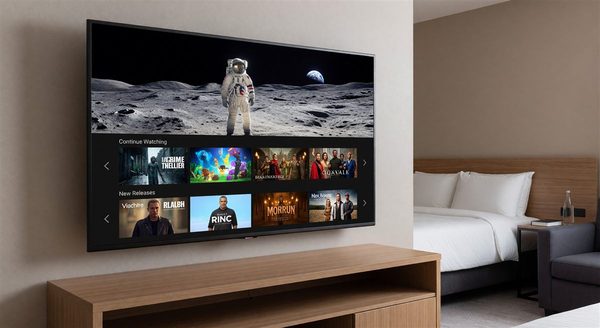
Modern hotel TV systems increasingly use IP distribution — content is delivered over the property’s network infrastructure to smart TVs with network connections. This approach is more flexible (any content available on the network is available in every room), easier to update remotely, and typically more capable of integrating with streaming services.
The migration from coax to IP TV is one of the significant capital decisions facing properties with older systems. The coax infrastructure itself often doesn’t need to go — some hybrid systems use IP over coax (MoCA) to carry network traffic over existing coaxial cabling.
Interactive TV Platforms
Branded hotels typically use a licensed interactive TV platform that provides:
- On-screen hotel directory and amenity information
- Folio review and express checkout
- Restaurant ordering (where offered)
- Streaming service integration (Netflix, Hulu, Disney+, etc.)
- Chromecast or AirPlay support for guest device casting
The interactive TV platform is a significant vendor relationship — platforms from providers like SONIFI, SureClinical (formerly CBOSS), and others require installation, integration with the PMS, and ongoing licensing fees. The PMS integration determines how many hotel-specific features (folio display, checkout) are available.
TV Mounting and Installation
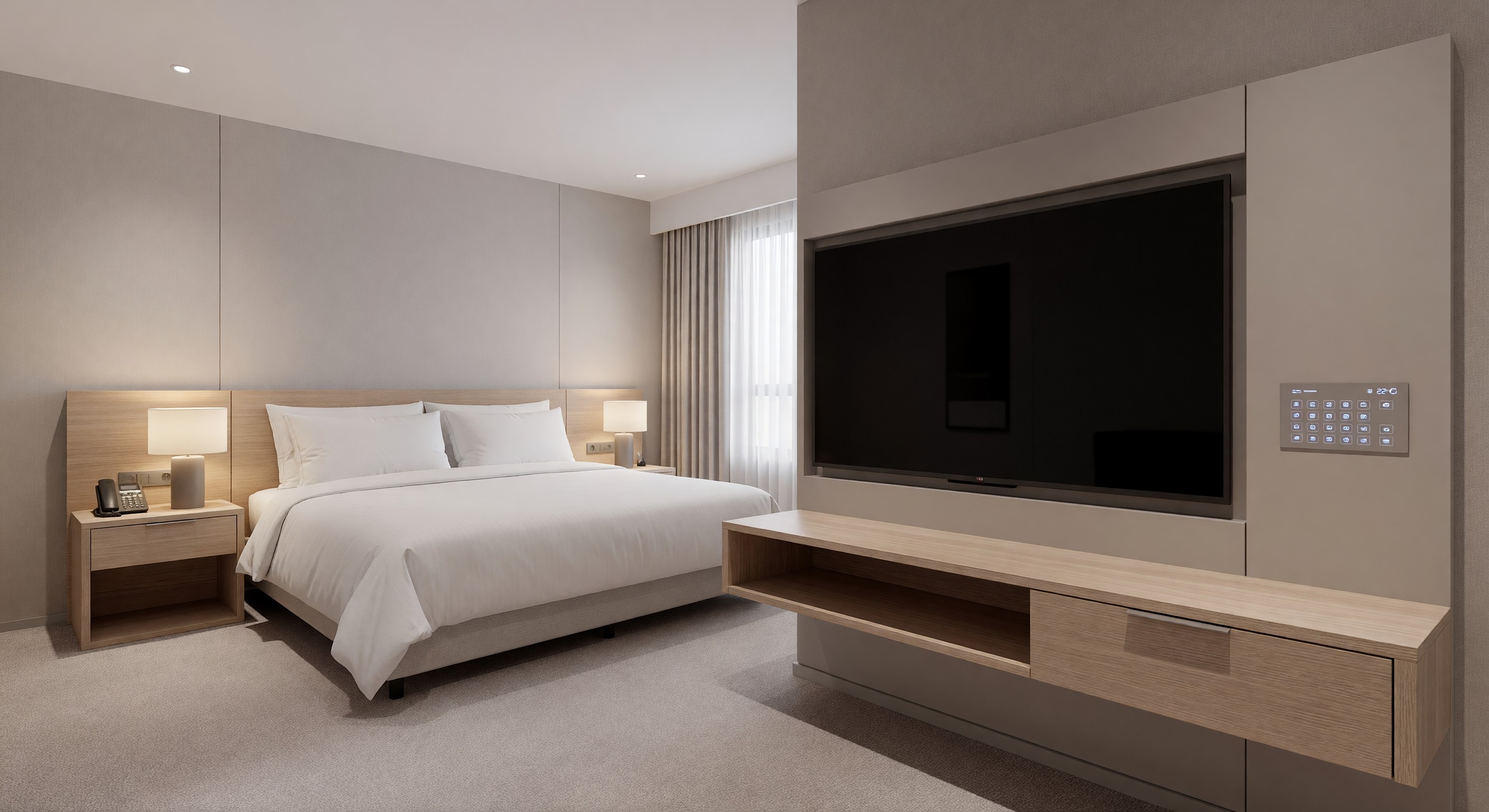
A frequently underestimated maintenance issue: TV mounting hardware. In high-use guestrooms, articulating TV mounts are manipulated daily by guests and deteriorate faster than expected. Maintenance programs should include a semi-annual inspection of all TV mounts for loose fasteners, arm wear, and cable management issues.
TV replacement lifecycle: Commercial hotel TVs are rated for continuous use (typically 100,000+ hours) versus consumer TVs. A commercial TV in a hotel guestroom should last 7–10 years; consumer TVs used in hotel rooms often fail in 3–5 years due to the higher usage intensity.
Bedside Control and Charging
USB and Power Integration
The modern hotel guest travels with multiple devices and expects to charge them conveniently. The evolution of bedside power:
- Basic: AC power outlet on the bedside lamp
- Standard: Dedicated bedside outlet panel with AC outlets and USB-A charging
- Current: Bedside panels with AC outlets, USB-A, USB-C (Power Delivery), and sometimes wireless charging
Specify USB-C with Power Delivery in any new installation or renovation — USB-A charging is increasingly inadequate for newer devices, and guests who can’t charge their laptop at bedside notice.
Bedside Control Panels
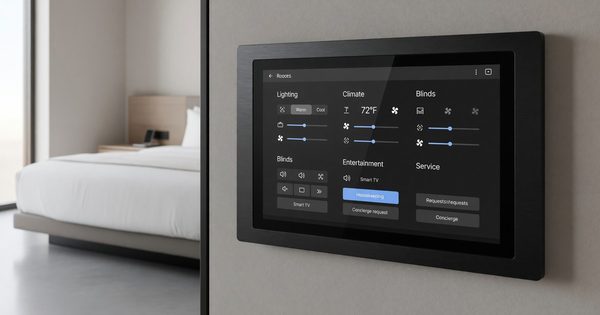
Integrated bedside control panels — touching to control lights, curtains, thermostat, and DND/MUR status — are now standard in upper-upscale and luxury properties and increasingly common in upscale. These systems require:
- Network connectivity for the control panel
- Integration with the room’s lighting, HVAC, and window treatments
- PMS integration for housekeeping status signaling
- A software management platform for remote configuration
Maintenance considerations: control panel touchscreens accumulate fingerprints and eventually develop touch sensitivity issues. Include panel cleaning in guestroom PM and track any panels reporting touch errors.
Voice Assistants and Smart Speakers
The deployment of voice assistants in hotel guestrooms has been uneven. Brands including Marriott (Alexa for Hospitality) and Wynn Las Vegas (Amazon Echo) have deployed at scale, while many properties have experimented and pulled back.
The case for in-room voice assistants:
- Guests can request services, check amenity hours, and control room functions hands-free
- Reduces call volume to the front desk for information requests
- Generates data on common guest requests
The case against:
- Privacy concerns from guests who don’t want always-on microphones in their room
- Maintenance complexity (device management, content updates)
- Inconsistent guest adoption
Properties currently deploying or evaluating voice assistants should have a clear policy on data privacy (what’s recorded, what’s retained, who has access) and communicate it proactively to guests.
In-Room Tablets
Tablet-based room companions — replacing the traditional phone and in-room compendium — have been deployed at various hotel brands with mixed results. The promise is a unified interface for room controls, service requests, hotel information, and local recommendations. The reality is often a tablet that needs frequent rebooting, has a cracked screen, or has dead batteries.
If deploying in-room tablets, the operational infrastructure matters as much as the technology:
- Define a clear ownership model for hardware maintenance
- Establish a nightly reboot/sync schedule
- Build tablet screen replacement into the capital budget (hospitality-grade tablets still break)
- Deploy a mobile device management (MDM) solution to manage the fleet remotely
Network Requirements for In-Room Technology
Every device in the modern hotel room requires network connectivity. A fully-equipped guestroom might include:
- Smart TV (IP connected)
- Bedside control panel
- Thermostat/HVAC controller
- In-room tablet
- Voice assistant
- IP phone
This is before considering the guest’s personal devices. The in-room network infrastructure needs to handle 8–15 simultaneous devices per room with adequate bandwidth and a managed device separation policy.
VLAN architecture: Property devices (TV, controls, thermostat) and guest devices (phones, laptops) should be on separate VLANs to prevent guest devices from interfering with or accessing property systems.
Managing Technology Across Multiple Renovations
Hotels renovate guestrooms on a rolling basis — typically on a 7–10 year cycle for full renovation, with partial refreshes in between. This creates technology version mismatch across the property. Floor 3 might have the 2015 technology refresh; floor 7 might have been renovated in 2020.
Managing mixed-generation technology requires:
- Documentation of what technology vintage is installed in which room/floor
- Spare parts inventory that supports all deployed generations
- Service contracts that cover all deployed versions
- A planned convergence strategy — knowing when and how legacy technology will be retired
FAQ
How do we handle guests who can’t connect their device to the TV for casting? Train front desk and engineering staff on the most common casting troubleshooting steps for the TV platform in use. The most common issues are: guest device not on the same network as the TV (check VLAN assignment), TV’s casting feature not enabled, and guest device Bluetooth or WiFi not enabled. A printed one-page guide in the room reduces calls.
What’s the right lifecycle for hotel in-room TVs? Specify commercial-grade TVs (not consumer models) and plan for a 7–8 year replacement cycle. Using the same TV model or same generation across all rooms simplifies spare parts, mounting, and service. Stagger replacements so you’re not replacing all TVs at once.
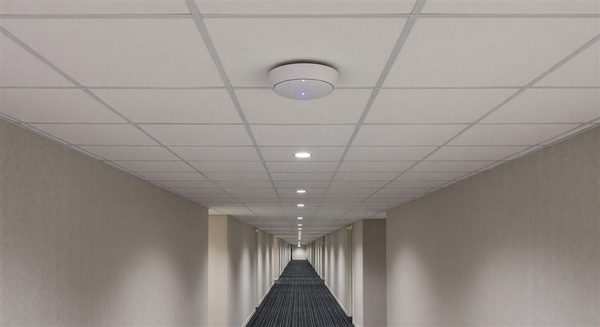
Should we deploy room occupancy sensors? For energy management, yes — occupancy sensors enable HVAC and lighting setback in unoccupied rooms. Guests are generally comfortable with door-triggered or motion sensors for HVAC setback. Always disclose occupancy sensing technology in your room description and privacy policy.
How do we decide which in-room technology investments have the best ROI? Benchmark against your guest satisfaction scores and direct guest feedback. USB charging at bedside has near-universal positive impact and costs relatively little. Expensive interactive TV platforms often score lower on guest satisfaction than their cost suggests. Start with what guests complain about losing (no USB-C charging) before investing in novel experiences.
Further Reading from Authoritative Sources
- HFTP in-room technology management and hospitality standards — HFTP provides hospitality technology professionals with in-room technology management standards, interactive TV platform guidance, and network architecture frameworks applicable to hotel in-room technology selection, deployment, and ongoing operations.
- AHLA hotel guest room technology and satisfaction resources — AHLA provides hospitality industry research on in-room technology guest satisfaction drivers, technology investment ROI frameworks, and brand standard compliance requirements applicable to hotel in-room technology program planning.