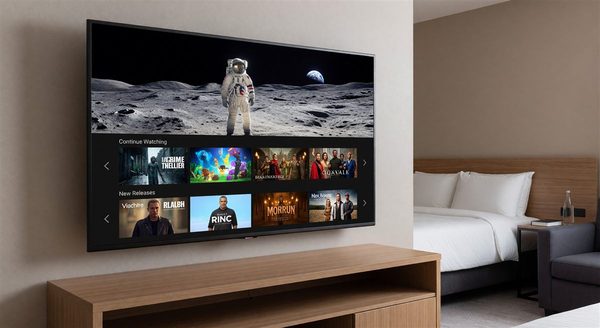
WiFi quality is the top technology complaint from hotel guests, consistently ranking among the top five overall complaints in guest satisfaction surveys across all segments. For directors of engineering and IT-responsible facility managers, this creates both urgency and complexity. Hotel WiFi isn’t a simple infrastructure problem — it’s a dynamic, demand-sensitive system serving hundreds of simultaneous users in a uniquely challenging RF environment.
This guide covers the architectural decisions, capacity planning approaches, and operational practices that separate a genuinely functional hotel WiFi network from one that generates nightly support calls.
Why Hotels Are Hard WiFi Environments
Before discussing solutions, it’s worth understanding why hotels present unusual WiFi challenges:
Concrete and drywall construction: Dense building materials attenuate signals significantly. A signal that would carry 100 feet in an open office might carry 30 feet through two layers of concrete and drywall.
High device density: Modern guests travel with 3–5 WiFi-capable devices each. A sold-out 200-room hotel might have 600–1,000 simultaneous connected devices at peak time.
Adjacent competing networks: Hotels in urban locations or on crowded campuses contend with dozens of nearby WiFi networks operating on overlapping channels.
Unpredictable usage patterns: Guest bandwidth demand spikes dramatically in the evening when everyone returns to their rooms, and drops to near-zero in the early morning. The network must handle peak demand without over-provisioning to the point of unsustainability.
Physical access limitations: Unlike an office building, you can’t easily move an access point from a guestroom ceiling once guests are occupying the rooms.
Network Architecture Fundamentals
Access Point Placement
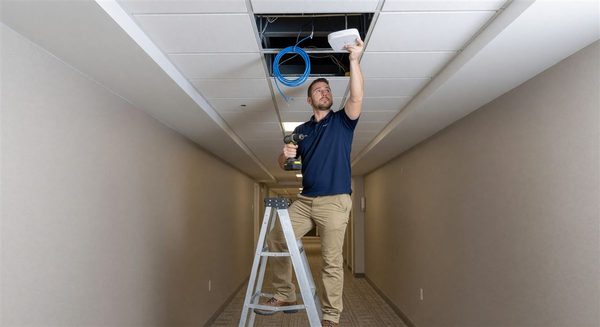
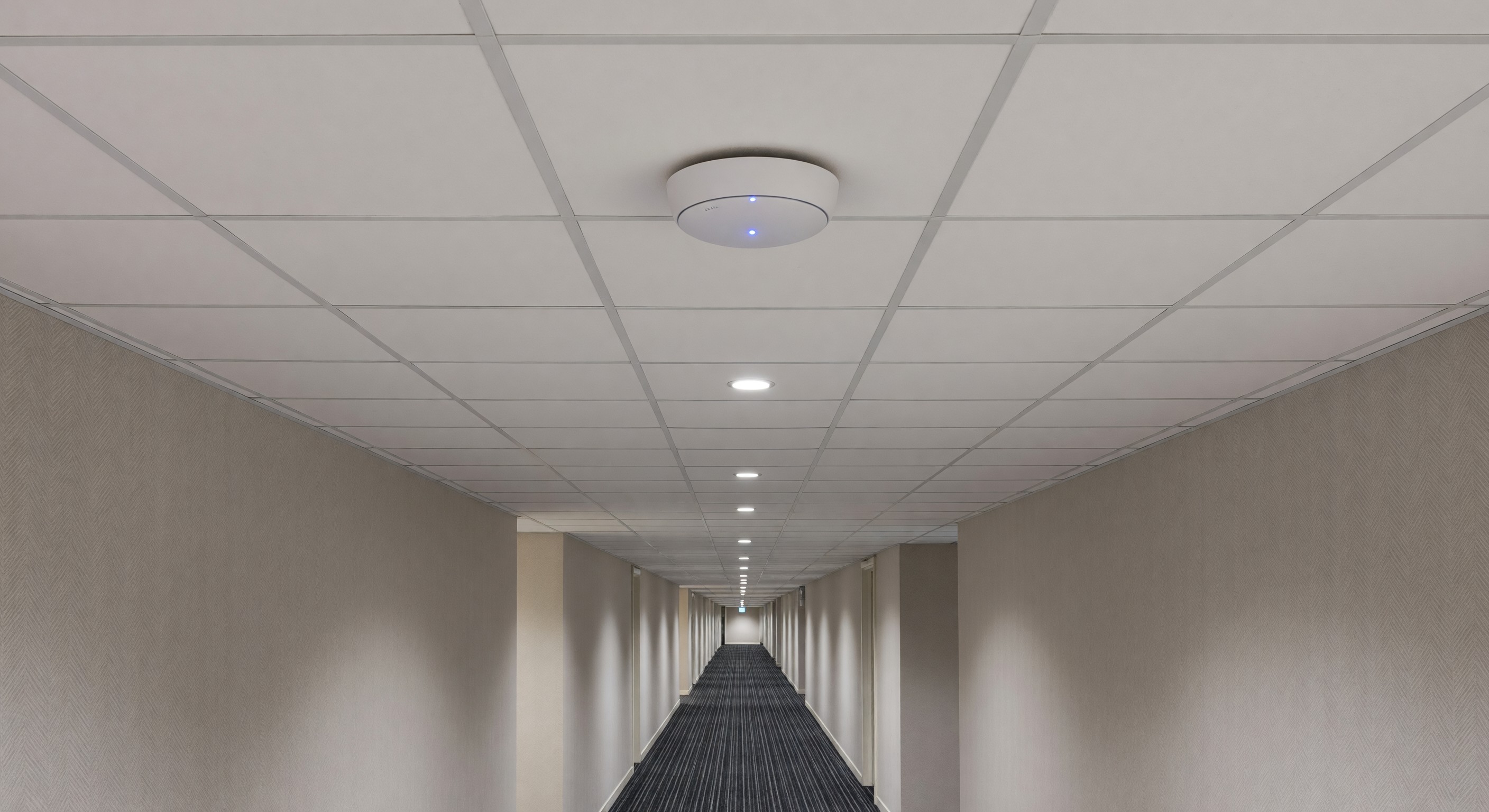
The dominant architecture in quality hotel networks places access points in the corridor, radiating signal into rooms on either side, rather than mounting APs inside individual guestrooms. This approach reduces the total number of APs required while maintaining adequate coverage.
Room-mounted APs (one per room or one per two rooms) provide stronger in-room signal and better isolation, but at significantly higher installation and equipment cost. This approach is increasingly common in upper-upscale and luxury properties where bandwidth quality is a competitive differentiator.
For most full-service and select-service properties, corridor mounting with one AP per 2–4 rooms (depending on corridor width and construction) delivers adequate performance at reasonable cost.
Coverage planning rules of thumb:
- 1 corridor AP covers 2–4 rooms on each side in standard construction
- Separate APs for lobby, restaurant, meeting rooms, and fitness center — these areas have different usage patterns and shouldn’t share capacity with guestroom APs
- Pool, outdoor areas, and parking structures require outdoor-rated APs with appropriate weatherproofing
Wired Backhaul
Every AP needs a wired Ethernet connection back to the network infrastructure. This is the backhaul, and it’s where many hotel WiFi projects fail to invest adequately. An AP connected via a gigabit Ethernet run to a managed switch can deliver far better performance than one connected via a daisy-chained cable run.
Infrastructure requirements:
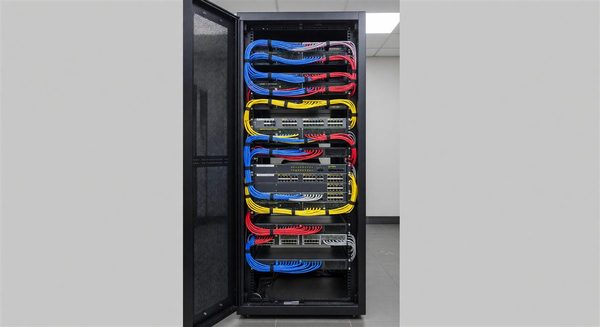
- Dedicated IDF (intermediate distribution frame) closets on each floor or every other floor
- Structured cabling (Cat6 or Cat6A) from each AP to the IDF
- Managed switches in each IDF
- Fiber backbone connecting IDFs to the main MDF (main distribution frame)
Controller Architecture
Modern hotel WiFi systems use a controller — either hardware-based, cloud-based, or software-defined — to manage all APs centrally. The controller handles:
- Channel and power management to minimize interference
- Client steering (directing devices to the optimal AP)
- Bandwidth policies and rate limiting
- Captive portal and authentication
- Performance monitoring and reporting
Cloud-based controllers have largely replaced on-premises hardware controllers for new installations. They reduce on-site hardware requirements and simplify firmware updates.
Bandwidth Planning
How Much Bandwidth Do You Need?
Internet service bandwidth (the pipe coming into the building) needs to be sized for peak concurrent demand. A practical planning approach:
- Assume 3–5 connected devices per occupied room
- Assume 5–10 Mbps per active device for streaming
- Apply a concurrency factor — not all devices are actively streaming simultaneously. Use 30–40% during peak evening hours.
Example: 200-room property at 80% occupancy (160 rooms)
- 160 rooms × 4 devices = 640 devices
- 640 × 30% concurrency = 192 active devices
- 192 × 7.5 Mbps = 1,440 Mbps peak demand
This rough calculation suggests a 1.5 Gbps (1,500 Mbps) internet connection would serve this property at peak. In practice, many similarly-sized properties operate on 500 Mbps connections and manage demand with bandwidth policies — but the shortfall is felt by guests.
QoS and Bandwidth Policies
Quality of Service (QoS) policies shape how bandwidth is distributed among users. Effective policies:
- Guarantee minimum bandwidth per connected device (typically 5–10 Mbps download)
- Prevent any single user from monopolizing the shared network
- Prioritize latency-sensitive traffic (video calls, gaming) over bulk downloads
- Create separate traffic priorities for guestrooms, lobby, and back-of-house
Tiered Service Models
Many properties offer tiered WiFi — a complimentary basic tier and a paid premium tier with higher bandwidth allocations. This model has become less common as guest expectations have shifted toward robust complimentary WiFi, but it persists in some markets.
If you operate a tiered model, ensure the free tier provides a genuinely usable service (at minimum 10 Mbps download, low latency) rather than a frustrating experience designed to push upgrades.
Captive Portal and Authentication
The captive portal — the login page guests see when they connect — is a compliance and experience touchpoint. Design considerations:
- Mobile-first design (most connections happen from smartphones)
- Minimal friction: name and room number verification is standard, multi-step forms are not
- Clear terms of service presentation
- Automatic reconnection for returning guests (store MAC address for the duration of the stay)
- Branded experience that matches property aesthetics
PMS integration with the captive portal system allows automatic verification of guest room numbers and check-in dates, reducing front desk intervention for access issues.
Performance Standards
Benchmark your WiFi performance against these targets:
| Metric | Minimum Acceptable | Good | Excellent |
|---|---|---|---|
| Download speed per device | 10 Mbps | 25 Mbps | 50+ Mbps |
| Upload speed per device | 5 Mbps | 10 Mbps | 25+ Mbps |
| Latency (ping) | <100ms | <50ms | <20ms |
| Coverage (% of guestrooms at -70 dBm or better) | 90% | 95% | 99% |
Common Problem Diagnosis
Slow speeds in specific rooms: Usually an AP coverage issue. Use a WiFi analyzer app to check signal strength and identify if the room is on the edge of coverage. May indicate a failed AP in the area.
Network works in lobby but not in rooms: Common symptom of adequate public area coverage but inadequate guestroom coverage. APs may be properly placed in common areas but missing in guestroom corridors.
Intermittent connectivity: Often caused by channel interference, especially in urban environments. Check channel utilization with a spectrum analyzer. Consider using 5 GHz-only SSID for devices that support it.
Fast in the morning, slow at night: Classic peak demand problem — the internet connection or the AP infrastructure is saturating during evening peak. Time to upgrade bandwidth or add capacity.
FAQ
What WiFi standard (WiFi 5, WiFi 6, WiFi 6E) should we deploy? New hotel WiFi deployments should specify WiFi 6 (802.11ax) at minimum. WiFi 6 handles high-density environments significantly better than WiFi 5 (802.11ac). WiFi 6E adds the 6 GHz band and is worth specifying for high-end properties — but the performance benefit depends on guests having WiFi 6E-capable devices.
Should WiFi infrastructure be owned or managed via a service agreement? Both models work. Service agreements (where a vendor owns and manages the infrastructure for a monthly fee) reduce capital requirements and shift maintenance responsibility to the vendor. Ownership gives more control and lower long-term cost if managed competently. The decision often comes down to in-house IT capability.
How often should hotel WiFi infrastructure be replaced? Access points and switches have a practical lifespan of 5–7 years before they become a performance bottleneck due to technology advances. Plan a full infrastructure refresh on that cycle. Budget $500–$1,500 per AP total installed cost depending on product tier and cabling requirements.
What’s the best way to handle WiFi in a parking garage or underground structure? Parking structures typically require a distributed antenna system (DAS) for cellular coverage and dedicated outdoor-rated or specialized APs for WiFi. This is a specialized installation — use an integrator with specific experience in underground RF environments.
Further Reading from Authoritative Sources
- HFTP hotel WiFi standards and performance benchmarks — HFTP provides hospitality technology professionals with WiFi performance standards, benchmarking data, and best practice guidance for hotel wireless network design and management.
- AHLA hotel technology guest satisfaction resources — AHLA tracks guest satisfaction drivers and technology investment benchmarks relevant to hotel WiFi quality standards and competitive positioning on technology amenities.