The property management system (PMS) is the operational hub of any hotel — the software that manages reservations, check-in, check-out, folio management, and reporting. For facility managers, the PMS isn’t just the front desk’s tool. It’s the source of truth about guest status that other building systems depend on to function correctly.
When building systems integrate well with the PMS, operations are seamless: guest room access activates at check-in, parking charges post to folios automatically, HVAC systems pre-condition rooms before arrivals. When integrations break or were never built, the workarounds multiply — manual processes, reconciliation errors, and guest service failures that require engineering involvement to sort out.
Understanding the PMS integration landscape helps facility managers make better decisions about technology investments and troubleshoot the cross-system issues that inevitably arise.
The PMS as the Operational Hub
What PMS Data Other Systems Need
The PMS holds several data elements that downstream building systems require:
Reservation data: Which rooms are booked, for what dates, and with what guest information. Used by HVAC systems for pre-conditioning, parking systems for guest validation, and lock systems for credential activation.
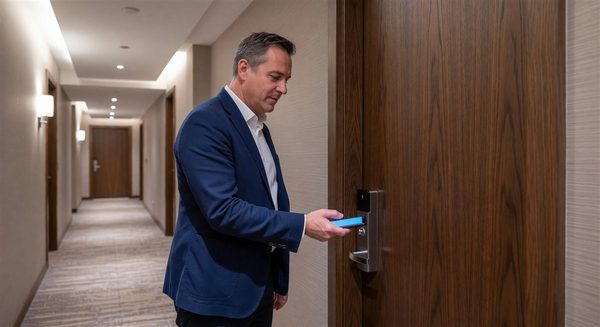
Check-in and check-out events: Real-time notification when a guest checks in or out. Used by lock systems to activate/deactivate credentials, energy management systems to transition rooms between vacancy and occupied modes, and parking systems to open or close access.
Room type and rate code: Used by parking systems and other systems to determine whether a guest is entitled to complimentary parking or other amenities based on their rate package.
Folio information: Used by parking, dining, spa, and other revenue centers to post charges without a separate payment transaction at each touchpoint.
Loyalty tier status: Used by access control systems to grant amenity access (club lounge, upgraded room floor) and by parking systems to apply loyalty-tier complimentary parking benefits.
Housekeeping status: Used by HVAC systems to understand occupancy patterns and by work order systems to track room availability for maintenance.
How Integration Typically Works
PMS integrations use two main patterns:
Real-time event triggers: The PMS sends a notification to the integrated system at the moment a relevant event occurs. A guest checks in → PMS sends a check-in notification to the lock system → lock system activates the guest’s credential. This pattern is used for time-sensitive events.
API queries: The integrated system queries the PMS on demand. The parking system receives a credential → queries the PMS to verify the guest’s reservation status → uses the response to decide whether to open the gate. This pattern is used when the integrated system needs current information at a specific moment.
Both patterns require that the PMS exposes a documented integration interface — either a dedicated integration protocol (most major PMS platforms support the HTNG standard for common hotel integrations) or a proprietary API.
Key PMS-Building System Integrations for Facility Managers
Lock System Integration
The lock system PMS integration is the most critical for operations and the most common source of integration problems.
What it does when working:
- Guest keys are created with the correct check-in and checkout dates from the PMS reservation
- Early checkout automatically deactivates the guest’s key
- Room moves update the guest’s access to the new room
- Stay extensions extend the key’s validity period
Common integration failure modes:
- Keys created with incorrect dates (off-by-one errors in timezone handling)
- Keys that don’t activate because the integration missed the check-in event
- Keys that remain active after checkout because the checkout event wasn’t transmitted
- Room move credentials that don’t deactivate the old room’s key
When lock system issues arise that seem to follow a pattern (consistently incorrect dates, consistently failing to deactivate at checkout), the first investigation should be the integration, not the lock hardware.
Energy Management System Integration
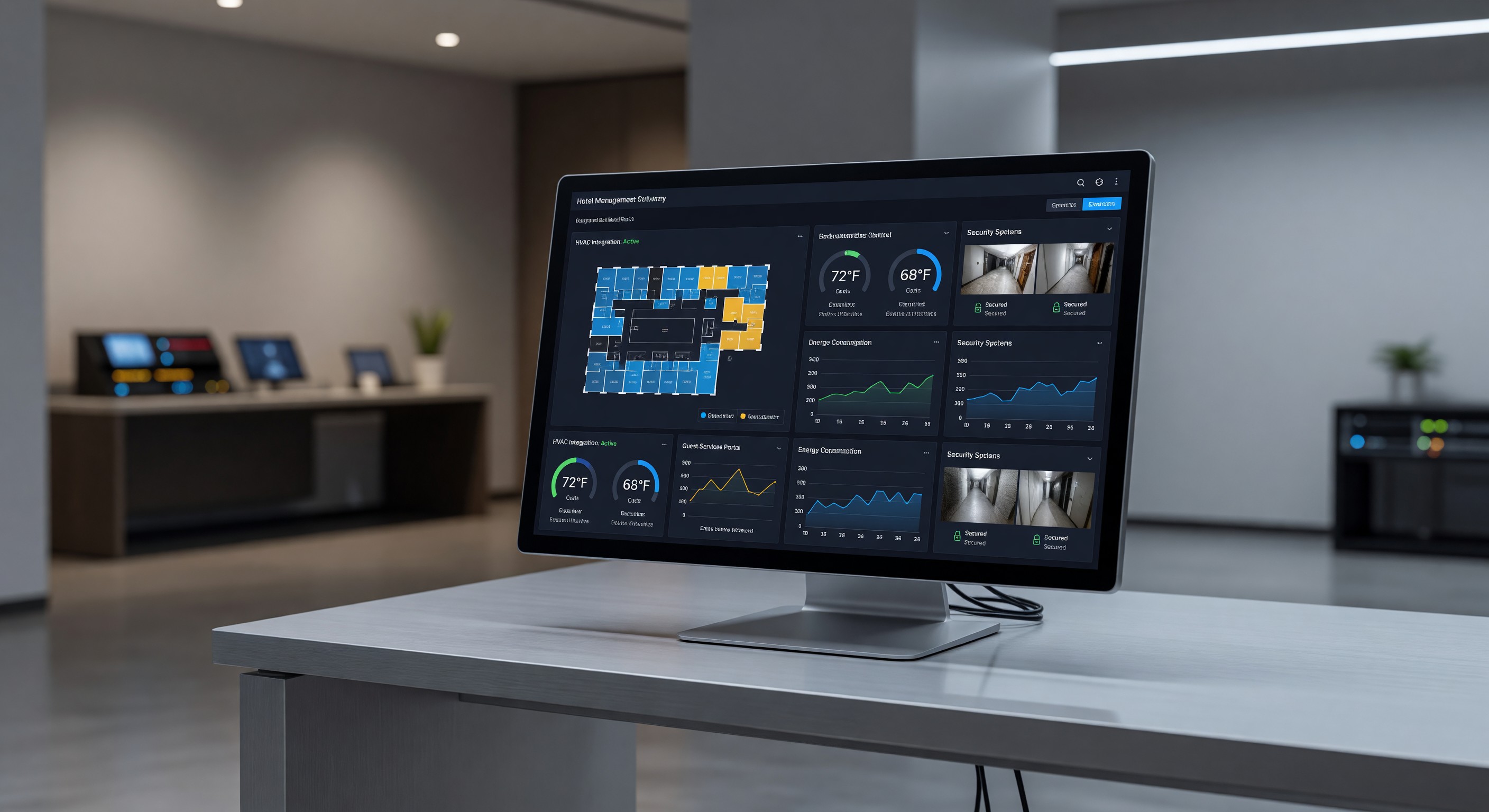
The energy management system uses PMS data to optimize HVAC and lighting in guestrooms.
What it does when working:
- Rooms are pre-conditioned before confirmed arrivals
- Vacant confirmed check-outs trigger setback to energy-saving temperatures
- HVAC returns to comfort settings when an arrival approaches
What breaks: Most EMS integration failures produce comfort rather than security issues. A room that’s too warm when the guest checks in because the pre-conditioning didn’t trigger indicates the EMS didn’t receive the arrival notification. A room that stays in occupied mode all day because checkout notification failed wastes energy but doesn’t affect the departed guest.
Parking System Integration
Parking PMS integration is discussed extensively in the parking section of this site. From a facility management perspective:
What to verify: After any PMS update or parking system update, perform a manual end-to-end test: create a reservation with a parking package, check in, verify parking access is activated, check out, and verify access is deactivated.
Common failure: Folio posting failures — parking charges are validated at the gate but don’t appear on the folio. Often caused by changes in the folio posting API on either side after an update.
Digital Signage Integration
Meeting room corridor displays that show event schedules should ideally pull from the hotel’s catering/event management system, which itself typically integrates with the PMS for group reservations.
The integration chain: PMS group reservation → event management system meeting details → digital signage CMS → meeting room display. Each link in this chain is a potential failure point.
In-Room Technology Integration
Smart TVs with folio display, express checkout, and room service ordering integrate with the PMS to retrieve folio data and process transactions.
These integrations are typically the TV platform vendor’s responsibility, but when they fail the symptom appears on the guestroom TV and the complaint comes to the front desk and engineering.
Managing Integration Health
Integration Monitoring
Every PMS integration should be treated as a monitored system component:
- Confirm the integration is transmitting and receiving correctly after every PMS or connected system update
- Track error rates in integration logs — a healthy integration produces zero or near-zero errors; an increasing error rate signals a developing problem
- Test end-to-end functionality monthly (not just “is the connection up” but “does a check-in trigger the correct action”)
Update Coordination
Software updates to either the PMS or a connected building system can break integrations. The change that added a feature to the PMS may have modified an API endpoint that the parking system queries. The key system firmware update may have changed how it processes PMS notifications.
Establish a protocol: before any major update to the PMS or any connected building system, verify the integration compatibility in a test environment (if available) or plan for enhanced monitoring immediately after the update goes live.
Vendor Responsibility Matrix
For each integration, clearly document:
- Which system is the source of data
- Which vendor is responsible for the integration interface
- Who to call when the integration fails
- What the fallback procedure is while the integration is being restored
Ambiguous vendor responsibility (“they said the other vendor is responsible”) is one of the most common causes of extended integration outage. Resolve this in contracts before deploying integrated systems.
Common Integration Problems and How to Diagnose Them
Problem: Guest’s lock key doesn’t work at check-in Diagnosis: Is the credential in the lock system with the correct room number and date? Was the check-in event transmitted by the PMS to the lock system? Check the lock system’s event log for the check-in notification from the PMS.
Problem: Parking gate doesn’t recognize a hotel guest Diagnosis: Was the guest’s plate registered? Is the PMS showing the guest as checked in? Query the parking system’s database to see if the plate exists with an active authorization. If the plate is there but the gate didn’t open, check the gate reader’s connection to the parking management software.
Problem: Room TV shows wrong folio balance Diagnosis: Is the TV platform pulling from the PMS in real time or on a schedule? When was the last successful data pull? Check the TV platform’s integration log for PMS communication errors.
Problem: Energy management system not pre-conditioning rooms before arrivals Diagnosis: Is the EMS receiving arrival notifications from the PMS? Check the EMS integration log for incoming arrival events. Is the EMS configured to act on those events for pre-conditioning? What’s the pre-conditioning lead time configured?
FAQ
How do we know which PMS integrations we have and what they do? If this documentation doesn’t exist at your property, create it. Interview the front office manager, the revenue manager, and the technology vendor about which systems connect to the PMS and what data is exchanged. This inventory is the starting point for integration management.
What’s the right process when a PMS upgrade is planned? Notify all connected system vendors in advance. Ask each vendor whether the new PMS version is supported by their integration. If it’s not, determine the timeline for compatibility updates and whether the upgrade needs to be delayed. Plan for extended integration testing after the upgrade.
Can we add new building system integrations to an older PMS? Depends on the PMS. Older PMS platforms may not support current integration standards (REST APIs, HTNG protocols) and may require middleware solutions or may not support integration at all. This is often the driving factor in PMS replacement decisions — when the PMS becomes the bottleneck for integrating new building systems.
What’s the cost of a new PMS integration between a parking system and a PMS? Range varies enormously based on whether a pre-built integration exists (most common PMS/parking combinations do) or requires custom development. Pre-built integration activation: $1,000–$5,000. Custom integration development: $10,000–$50,000+. Ongoing integration support and licensing: $500–$3,000/year.
Further Reading from Authoritative Sources
- HFTP hotel PMS integration standards and building systems connectivity — HFTP provides hospitality technology standards including PMS integration protocols, building system connectivity frameworks, and vendor responsibility guidance applicable to hotel technology integration management, update coordination, and integration health monitoring.
- AHLA hotel technology integration and PMS operational standards — AHLA provides hospitality operations guidance on PMS integration management, technology vendor contract standards, and building system operational integration applicable to hotel technology investment decisions, integration update protocols, and multi-vendor environment management.